The Internet, as you know it, is just a small part of a much bigger thing. A lot is happening in the background that you can’t see, enabling us to use the Internet seamlessly.
One of these things is the Domain Name System (DNS). The DNS is a system of servers that primarily deals with translating domain names to IP addresses. It also performs many other functions that we will discuss in due time. Currently, the primary focus is on domain names.
A domain name refers to website names that appear in the URL. For example, the domain name of “Google” is “google.com” with a lowercase “g”. This allows regular users to remember websites using their names.
Another essential system for the Internet's function is hosting. Hosting is a service that enables website owners to “host” their website on a server and make it available to the people on the Internet.
Today, we will examine these concepts in more detail to help you understand how they work and why they are important for a website’s speed, reliability, and online presence.
What Is DNS and Why Does It Matter?
As we mentioned before, DNS is an acronym for “Domain Name System.” Think of it like the phone book of the internet. Why a phone book? Much like a phone book, it stores a name alongside a number. In this case, it stores the “domain name” against an “IP address,” which is a numerical value.
Why is this required? The problem arises because computers only understand numbers, whereas humans are more adept with words. To enable a computer to find a domain, you need to tell it the IP address. However, remembering IP addresses for each domain is impractical for humans, which is why the DNS was invented to solve this problem.
The DNS system resolves domain names to IP addresses in real-time, allowing both humans and computers to access the internet without issue.
The DNS is a system of servers placed worldwide that contain “records.” These DNS records are files that contain DNS data in specific formats. One of the most crucial records is the A record. It stores the IPv4 address of a domain.
What is a DNS Lookup?
When you enter the URL of a website in your browser, your device contacts a special DNS server called a ‘resolver.’ The resolver queries the DNS servers that have the information about the domain you searched for. They provide it with the A record, which is then forwarded to your device. That’s how your device learns which IPv4 address to go to find the correct website.
This process happens in real time, and it directly controls two things:
- Whether a website is visible on the internet
- How fast does it start loading?
DNS records don’t just store the IP address. Other records store different information that is required for a website to function correctly. Some examples are given below.
- MX records handle email routing.
- AAAA records map IPv6 addresses.
- NS records point to the nameservers for a domain.
- SPF records are used for verification of your email sending service and IP addresses.
- DKIM records prevent email tampering and spoofing
These records help with the working of a website and how it can perform its functions. For example, the MX, SPF, and DKIM records are necessary for receiving emails and improving your domain’s email deliverability.
In this way, many other records perform vital functions to keep a domain up and running.
What Is a Nameserver in DNS?
We mentioned NS records, which point to “Namservers” for a domain. Those are important terms.
A nameserver is a specialized server that stores and responds to DNS queries for domain names. It contains the original copy of a domain’s records that are later propagated to other servers. Without a nameserver, your website might as well not exist.
The domain registrar provides nameservers. For example, if your domain is registered with a hosting provider like “examplehosting.com”, your domain might use the following nameservers:
- ns1.examplehosting.com
- ns2.examplehosting.com
Each domain must have at least two nameservers to ensure redundancy and uptime. So, in case one server is down, the other one can pick up the slack.
You can check the nameservers for any website using an NS Lookup tool, which also reveals either the hosting infrastructure or the CDN behind the scenes. For example, if you do an NS lookup for DNSChecker.org, you will find that the CDN in use is Cloudflare Inc.
What is Hosting?
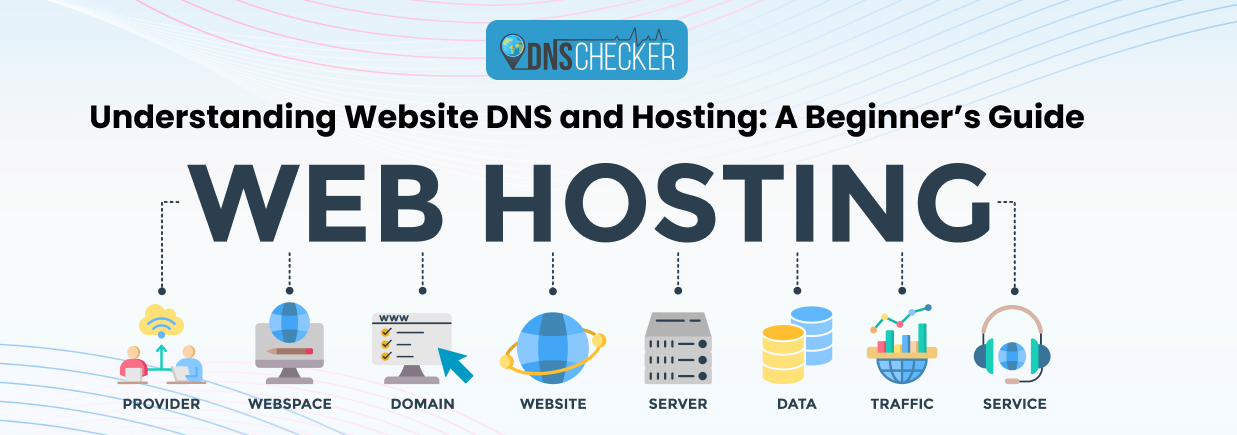
Now let’s talk about web hosting. Web hosting is the other crucial ingredient of the internet. Without it, you won’t have any websites to visit.
Web hosting is the service that stores all the files, code, images, and data that make up a website. When someone visits a domain (like yourwebsite.com), their browser connects to the web hosting server to retrieve and display those files.
When the DNS provides an IP address for your device to visit, it's the address of the web hosting server.
Think of it like this: if the domain is the address of the website, then the hosting is the actual building located at that address.
There are several types of web hosting, each offering unique benefits and drawbacks. Here are some examples.
- Shared Hosting. Multiple websites share the same server. It's budget-friendly but may offer limited performance.
- VPS (Virtual Private Server). A more powerful option is where websites share a server, but each has its own virtual environment.
- Dedicated Hosting. Your website gets its physical server, offering the best performance and control. Very expensive though.
- Cloud Hosting. Your site is hosted across multiple servers for better scalability and uptime.
- Managed Hosting. The hosting provider takes care of technical tasks like updates and security, commonly used with platforms like WordPress.
When you buy a hosting plan, you’re essentially renting space on a web server. Your website won’t go live until those files are uploaded to the hosting provider’s servers and linked to your domain name via DNS.
Web Hosting vs. DNS Summarized
Now that we understand what DNS and hosting are, here is a brief recap of their functions and how they differ from one another.
- The DNS is a system of hierarchical servers that store DNS records for a domain.
- A domain name is your website’s address (e.g., mywebsite.com)
- Web hosting is where your site’s files, databases, and applications are stored.
To make your website accessible, you must link your domain to your hosting provider. This is done by updating the nameservers in your domain registrar’s control panel.
If you use the hosting provider’s nameservers, they also become your website’s DNS servers and handle all requests to your domain.
So, that’s how Hosting and DNS are related to each other.
Final Thoughts
There you have it - the basics of website hosting and DNS. Understanding how they work together is essential for anyone managing a website.
The domain name serves as your site's address, while hosting provides the space where your website resides. Nameservers and DNS records bridge the two, ensuring that users are sent to the correct destination quickly and reliably.
So, whether you're launching a personal blog or running a business site, configuring your DNS and hosting correctly is the first step toward a stable, secure, and accessible online presence.